One CV won't cut it. Tell us where, get the whole file they expect.
Immigration offices and employers abroad want specific things. Canadian NOC codes, Europass grids, Gulf-standard photos, a guarantor letter that says the right words. Get it wrong and your file gets flagged. Three free tools that already know what each destination asks for.
No account. No watermark. No paywall on your CV.
Built and run by a licensed immigration agency in Algeria
Three tools, one file
Everything the application asks you for
Most people start with the CV. The letter and the visa papers are here when your file needs them, and each one picks up what the last one left behind.
CV builder
For anyone applying abroad
Six formats: general, Canadian job, Canadian immigration, Europe, Gulf and academic. Pick your CV language separately, Arabic included, right through to the PDF.
Build my CV- Uses AI
Cover letter
For a job posting, or a Canadian letter of explanation
Point it at the posting. You get a letter that matches the CV you already built, in the voice your destination expects.
Write my letter - NewUses AI
Visa documents
For the supporting letters a consulate asks for
Who is paying, where you will live, and the guarantor's signed promise. Written out properly, for whichever country is reading them.
Draft my papers Checklists
For a final check of your CV
Four printable lists: Europass, Gulf and academic CV checks, plus CV and supporting evidence checks for Express Entry.
See all fourGuides
For before you write a word
Guides to CV formats, NOC codes, language scores and application documents. Start with the topic you need.
Read the guides
How it works
From blank page to PDF in under 10 minutes
Pick where you're applying
Choose the mode that matches your destination, the builder adapts format, sections, and terminology automatically.
Answer a few quick questions
Type your info or import from LinkedIn. Only the sections that matter for your mode show up.
See it take shape
Watch your CV update in real time as you type. Switch languages or modes anytime.
Download and go
One click, instant PDF. No account, no watermark, no paywall on your CV.
Destination modes
Where are you headed?
Pick your destination. The builder adapts format, sections, and terminology to match what they expect in that region.
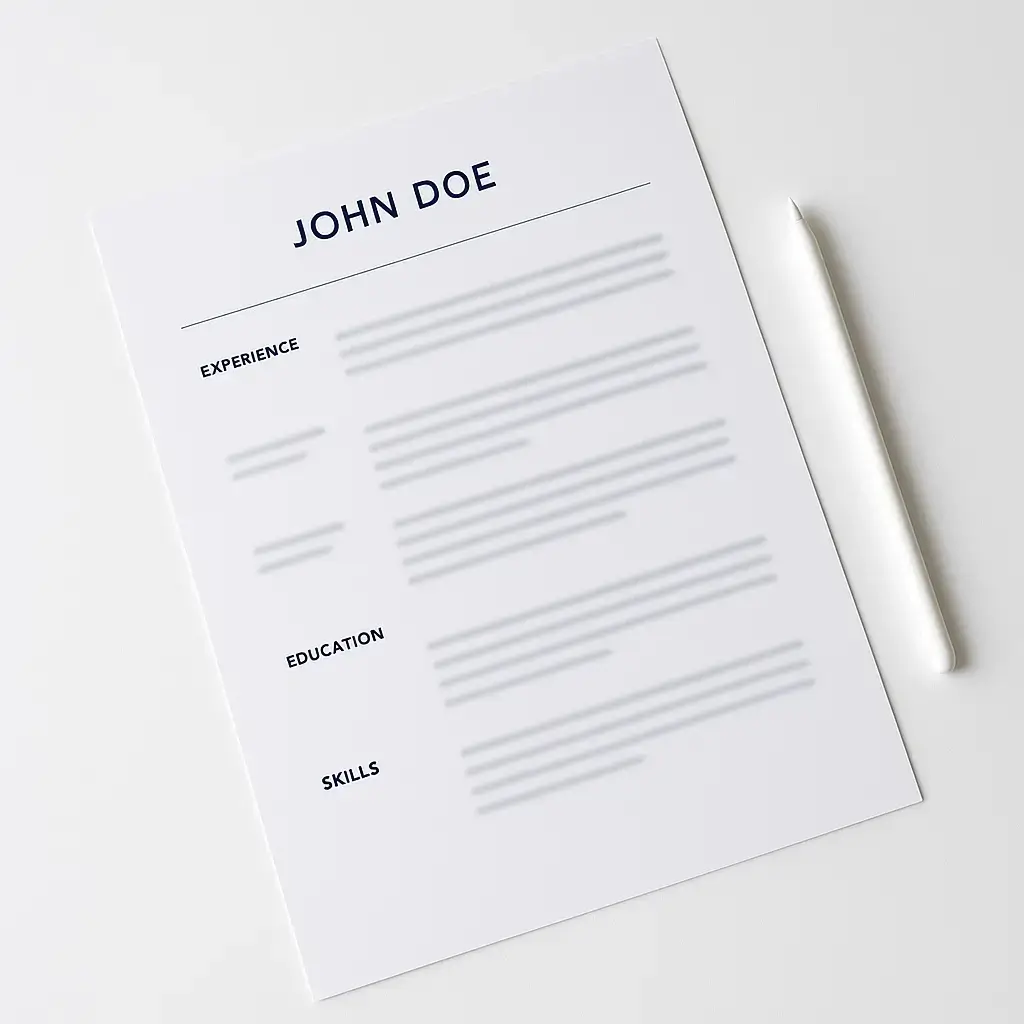
General
Clean one-page layout that works anywhere. ATS-friendly structure, professional typography, no clutter. When you're not sure what format they want, this is the safe bet.
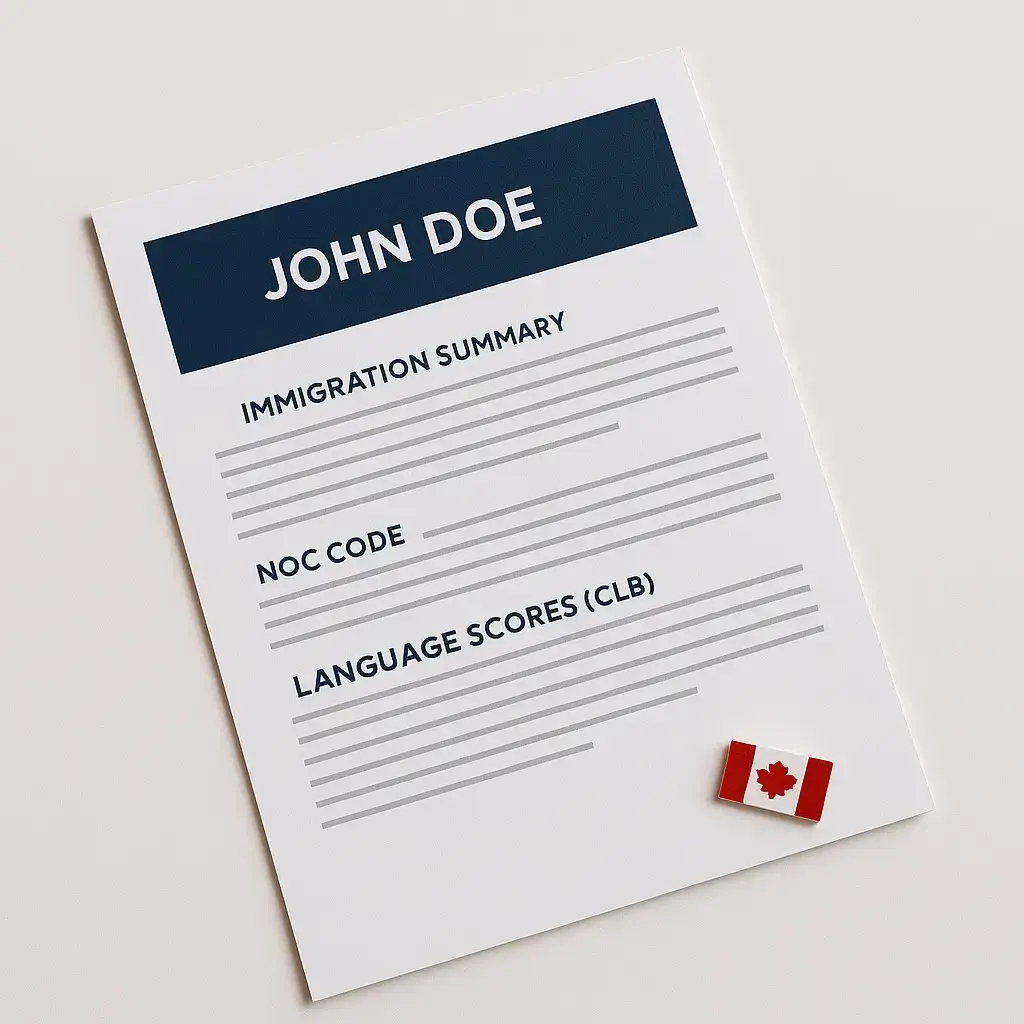
Canadian Immigration
NOC codes, CLB language scores, ECA credential status, and an immigration summary section aligned with what IRCC officers actually look for. Built around Express Entry expectations.
Job Search, Canada
Letter-size paper, no photo, ATS-optimized formatting that follows Canadian hiring norms. Sections ordered the way Canadian recruiters scan.
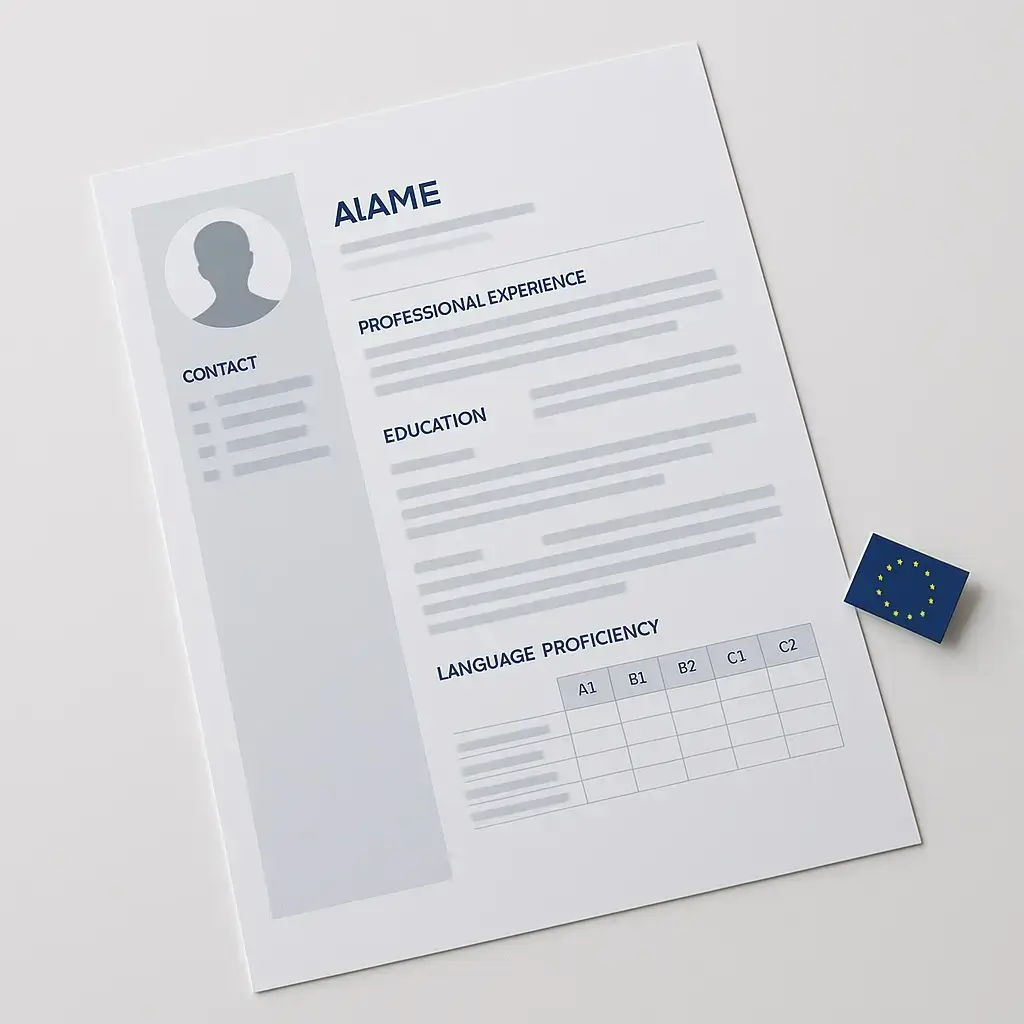
Job Search, Europe
A4 paper, photo section, CEFR language proficiency grid. Europass-inspired layout that European employers recognize instantly.
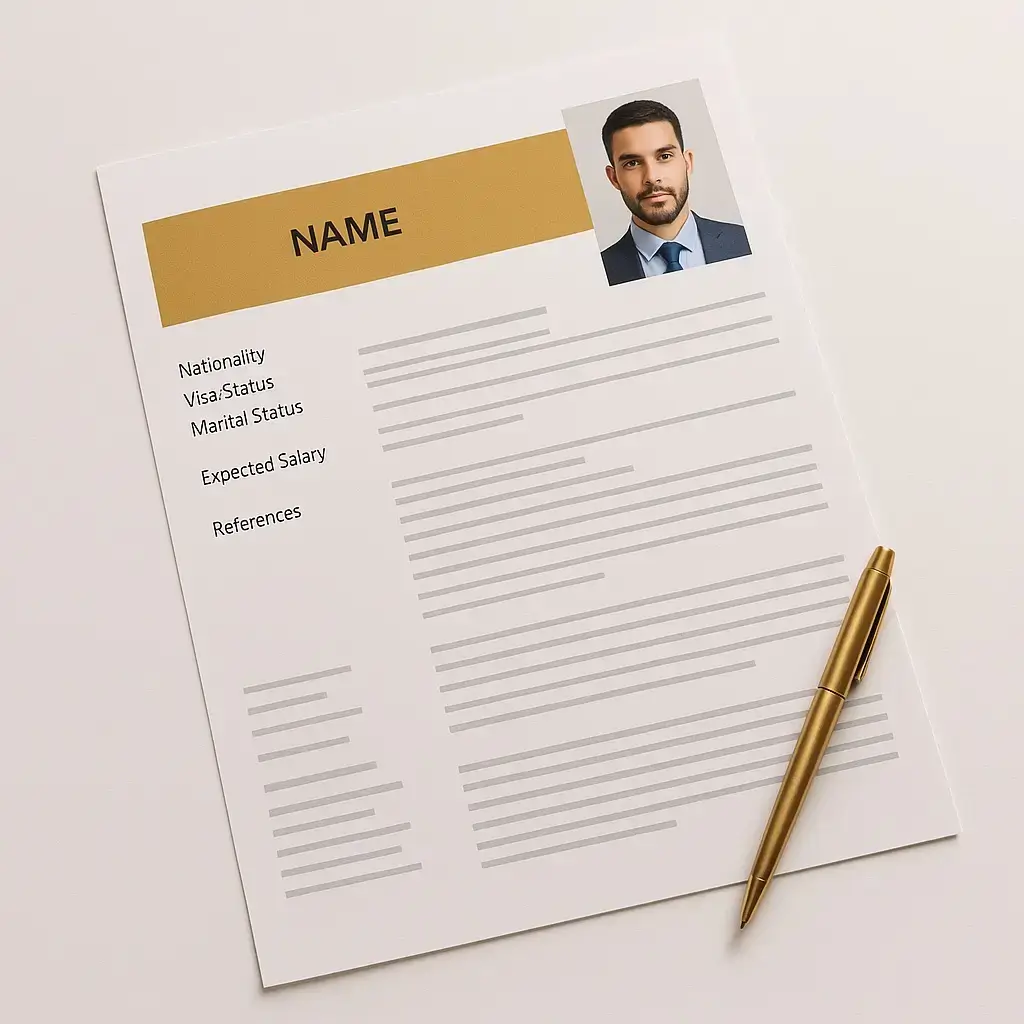
Job Search, Gulf
Photo, nationality, visa status, marital status, expected salary, and references, everything Gulf employers expect on page one.
Academic
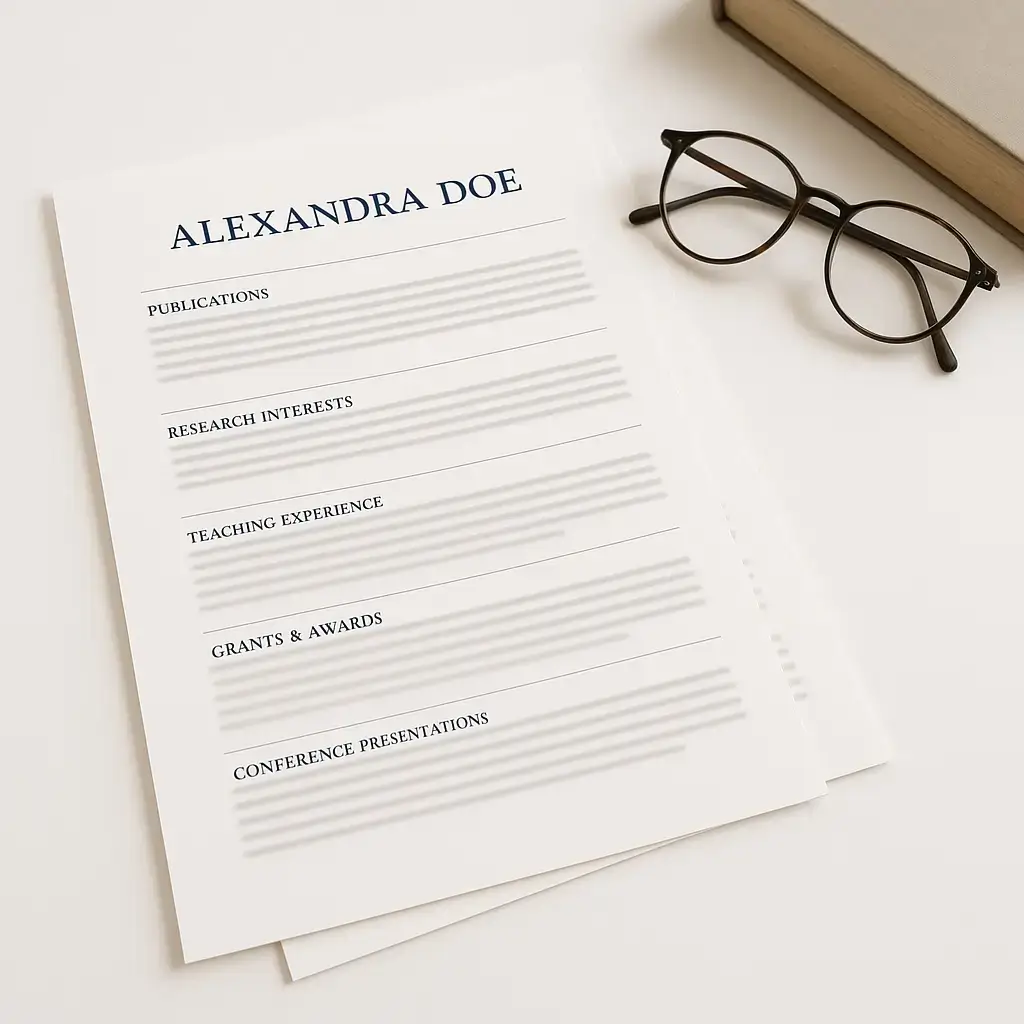
Publications, research interests, teaching experience, grants, and conference presentations. The format universities and research institutions expect.
Built for you
No account. Your drafts on your device. Just your file.
LinkedIn Import
Upload your LinkedIn PDF export and auto-fill every field in seconds.
Drafts stay on your device
Your CV draft is saved in your browser, not on our servers. Sharing and the AI tools are optional, and each one tells you what it sends before you use it.
Live Preview
Watch your CV update in real time as you type. No surprises when you download.
Eight output languages
Build in one language, download in another. Eight CV output languages, including separate Canadian English and French labels, and Arabic right through to the PDF.
Shareable Links
Generate a link to your CV that anyone can view and download. Share via WhatsApp too.
Instant PDF
Download a polished PDF in one click. Paper size auto-selected per mode.
Is my data stored anywhere?
Your CV draft is saved in your browser, on your device, not on our servers. Two things are optional and do send data: a share link, and the AI tools behind the cover letter and the visa papers. Each one explains what it sends before you use it.
Is this really free?
The CV builder is, completely. No signup, no card, no watermark, and the PDF downloads straight away. The AI cover letter, the visa documents and the printable checklists ask for an email once.
What makes this different from other resume builders?
It is destination-driven, and it does not stop at the CV. You pick where you are headed, Canada, Europe, the Gulf or academia, and the CV adapts its format, sections and terminology. Then the cover letter and the visa documents work from the same file.
Do I need a photo on my CV for Canada?
No. Canadian immigration officers and employers do not expect a photo. Our Canada modes leave it out by default. The Europe and Gulf modes include a photo section because those regions expect one.
What paper size should I use?
The builder handles this automatically. Canada modes use Letter size (8.5 x 11 inches), while Europe, Gulf, and Academic modes use A4. You don't need to configure anything.
Does the Arabic CV support right-to-left?
Yes. When you select Arabic as your output language, the entire CV flips to a right-to-left layout, headings, body text, and section order all render correctly for Arabic readers.
Can I import my LinkedIn profile?
Yes. Export your LinkedIn profile as a PDF, then upload it in the builder. The parser extracts your experience, education, skills, and contact info automatically. You can also paste your LinkedIn text directly.
What if I'm applying to multiple countries?
Build one CV per destination. Each mode formats differently, so a Canada immigration CV and a Gulf job search CV will have different sections, layouts, and emphasis. Your data carries over, just switch modes.
Is this ATS-friendly?
Yes. The General and Canada Job Search modes are specifically optimized for Applicant Tracking Systems, clean structure, standard headings, no columns or graphics that confuse parsers.
Can I share my CV with someone?
Yes. Generate a shareable link that anyone can open to view and download your CV. You can also share directly to WhatsApp with a pre-written message.
Does the visa document tool see my passport number?
No. Before anything is sent it takes out your name and passport number, and the guarantor's name, address, date and place of birth and ID number, then puts them back on your device. Every number in the finished document has to match something you typed. The cover letter tool is different: it has no passport field, but it does send your name and CV details to write the draft.
Can I write the cover letter without building a CV first?
Yes, though it is better with one. If you have already built a CV, the letter is written from it, so the two agree on dates, job titles and skills. If you have not, you can paste the job posting and fill in the rest yourself.

Stop guessing what they want. Build the file they expect.
Start with the CV. Add the letter and the visa papers when your file needs them. Free, and no account to open.
Six CV formats
General, Canadian job, Canadian immigration, Europe, Gulf and academic.
Eight output languages
Separate Canadian English and French labels, and Arabic through to the PDF.
Three documents
The CV, a cover letter written from it, and the papers a consulate asks for.